Navigating the vast world of gaming monitors can feel like a boss battle itself, especially when you're wondering how big should a gaming monitor be to truly elevate your play without breaking the bank or overwhelming your desk. For the modern gamer balancing work, family, and precious game time, finding that sweet spot of immersion, performance, and value is key. You crave crisp visuals and responsive gameplay, whether you're unwinding with a cozy indie title or diving into a competitive esports match with friends on Discord. This comprehensive guide cuts through the hype, offering practical, no-nonsense advice tailored for adults who game to relax, build skills, and stay connected. We'll demystify resolutions, refresh rates, and screen sizes, helping you pinpoint the ideal monitor that enhances your gaming sessions, fits your space, and respects your budget, ensuring every minute you spend gaming is pure enjoyment.
Related gamesWhat's the absolute best screen size for competitive FPS games?
For competitive FPS games, the consensus among pros and serious players is a 24-inch monitor. This size ensures your entire field of view is covered without needing to shift your head or eyes, allowing for faster target acquisition and minimized reaction times. Paired with a high refresh rate (144Hz+) and low response time (1ms), a 24-inch display provides the optimal competitive edge.
When should I consider an ultrawide monitor over a traditional 16:9?
You should consider an ultrawide monitor when playing immersive single-player RPGs, simulation games, or driving/flight simulators where an expansive field of view significantly enhances the experience. They are also great for multitasking. However, for competitive gaming or if desk space is limited, a traditional 16:9 monitor might be more practical.
Why is a higher resolution monitor a better investment for future-proofing?
A higher resolution monitor, like 1440p or 4K, is a better investment for future-proofing because game graphics are continuously improving, and new hardware is designed to push these higher pixel counts. While it requires a capable GPU today, it ensures your display can handle upcoming titles at their best visual fidelity for years to come, maximizing its lifespan before needing an upgrade.
How can I determine the ideal viewing distance for my chosen monitor size?
To determine your ideal viewing distance, a good starting point is to sit at a distance where the monitor comfortably fills 30-40 degrees of your vision without straining your neck or eyes. For a 27-inch monitor, this is roughly 2.5 to 3.5 feet. Adjust until the entire screen is comfortably viewable without excessive eye or head movement.
Is a 24-inch 1080p monitor still good in 2026?
Yes, a 24-inch 1080p monitor remains an excellent choice in 2026, especially for competitive esports and budget-conscious gamers. At this size, 1080p provides a good pixel density, and monitors are often more affordable with high refresh rates. It's a reliable workhorse that continues to deliver solid performance without demanding a top-tier GPU.
What are the main drawbacks of getting a monitor that's too big?
The main drawbacks of a monitor that's too big include increased eye strain and fatigue from constantly scanning the screen, reduced competitive performance due to information being spread too wide, impracticality for desk space, and potential pixelation if the resolution doesn't match the size. It can also be more expensive and demand a more powerful PC.
Who benefits most from a curved gaming monitor?
Gamers who benefit most from a curved gaming monitor are those seeking heightened immersion in single-player, open-world, or simulation games, particularly on larger screens (27 inches+) or ultrawide displays. The curve helps wrap the image around your peripheral vision, making you feel more enveloped in the game world and reducing perceived distortion at the edges.
In the evolving landscape of gaming, where 87% of US gamers regularly dive into virtual worlds, often spending 10+ hours a week, the question of "how big should a gaming monitor be" has become a central puzzle for many. For adults balancing demanding jobs, family commitments, and life's endless to-do list, gaming offers a crucial escape—a chance to unwind, connect with friends on Discord, or sharpen skills. But with countless options flooding the market, figuring out the perfect monitor size can feel less like a game and more like a chore, especially when you're looking for value for money and performance without all the hype.
You want an immersive experience that pulls you into the game, but not something so massive it dominates your desk or strains your eyes. You need a monitor that complements your setup, whether you're engaging in a fast-paced battle royale, exploring a vast open world, or just enjoying some cozy co-op. This guide is built specifically for you—the practical gamer who seeks the optimal blend of size, resolution, and refresh rate. We’ll cut through the noise, offering clear, actionable advice to help you decide how big should a gaming monitor be for your unique playstyle, space, and budget, ensuring your next upgrade truly enhances your precious gaming moments.
What's the Best Monitor Size for Gaming Overall?
There's no single "best" size for how big a gaming monitor should be, as it largely depends on personal preference, viewing distance, and the games you play. However, a sweet spot for many gamers, especially those balancing performance and immersion, falls between 24 and 27 inches. This range offers a great balance for 1080p and 1440p resolutions, providing sharp images without requiring an extreme viewing distance. For competitive esports players, a 24-inch monitor is often preferred due to its ability to keep the entire screen within a player's immediate field of view, minimizing eye movement. Casual and immersive gamers might lean towards 27 inches for a more expansive feel. Beyond 27 inches, especially at 1080p, pixel density can become an issue, making the image appear less crisp. Always consider your specific setup and priorities first.
How Does Viewing Distance Affect Your Monitor Size Choice?
Viewing distance is a critical factor when deciding how big your gaming monitor should be. Sit too close to a large monitor, and you'll find yourself constantly scanning the screen, leading to eye strain and reduced reaction times. Sit too far from a small monitor, and you lose immersion and detail. A general rule of thumb suggests that for optimal viewing, your monitor should fill about 30-40 degrees of your field of vision. For a 24-inch monitor, a comfortable viewing distance is typically 2-3 feet (60-90 cm). For a 27-inch monitor, aim for 2.5-3.5 feet (75-105 cm). If you're eyeing a massive 32-inch or ultrawide screen, you'll need even more space, ideally 3.5-5 feet (105-150 cm) to comfortably take in the entire display. Always measure your desk space and seating position before committing to a size.
Does Resolution Matter More Than Screen Size for Clarity?
Absolutely, resolution plays an equally, if not more, important role than just how big a gaming monitor should be, especially when it comes to image clarity. Resolution refers to the number of pixels on the screen (e.g., 1920x1080 for 1080p, 2560x1440 for 1440p, 3840x2160 for 4K). A larger monitor with a low resolution will look pixelated, while a smaller monitor with high resolution will appear incredibly sharp. The key is pixel density, measured in pixels per inch (PPI). A higher PPI means a clearer image. For example, a 24-inch 1080p monitor offers a good PPI, but a 27-inch 1080p screen starts to show individual pixels. For 27 inches, 1440p is considered the sweet spot, offering fantastic detail without demanding a top-tier GPU. If you're going for 32 inches or larger, 4K (2160p) becomes almost a necessity to maintain visual fidelity, though this requires a powerful graphics card to drive smooth frame rates.
What Monitor Size Is Ideal for Competitive Esports Gaming?
For competitive esports, precision and quick reaction times are paramount, making the "how big should a gaming monitor be" question quite specific. Most professional and serious competitive gamers opt for 24-inch monitors, almost exclusively. The rationale is simple: a 24-inch screen allows the player to see the entire display at a glance, without having to move their eyes or head much. This minimizes reaction time and ensures all vital information, like health bars, mini-maps, and enemy positions, are instantly visible. While larger monitors can offer more immersion, they can be a hindrance in fast-paced competitive titles where every millisecond and pixel matters. High refresh rates (144Hz+) and low response times (1ms or less) are also far more critical than sheer size in this arena.
How Big Is Too Big for a Gaming Monitor?
The concept of "too big" for a gaming monitor is subjective, but practical limitations exist. For most desktop setups, anything beyond 32 inches for a standard aspect ratio or 34-38 inches for an ultrawide can start to become impractical. At these sizes, you need significant desk space and a sufficient viewing distance to avoid excessive eye movement and strain. A monitor that's too large can diminish focus, especially in games where information is spread across the screen. While large 4K TVs can sometimes be used for console gaming from a distance, they're generally not suitable for competitive PC gaming due to input lag and desktop ergonomics. Your goal is immersion without sacrificing comfort or performance, and for many, pushing past 32 inches on a standard desk often crosses that line, especially without the right resolution to match.
Are Curved Monitors Better for Gaming Immersion?
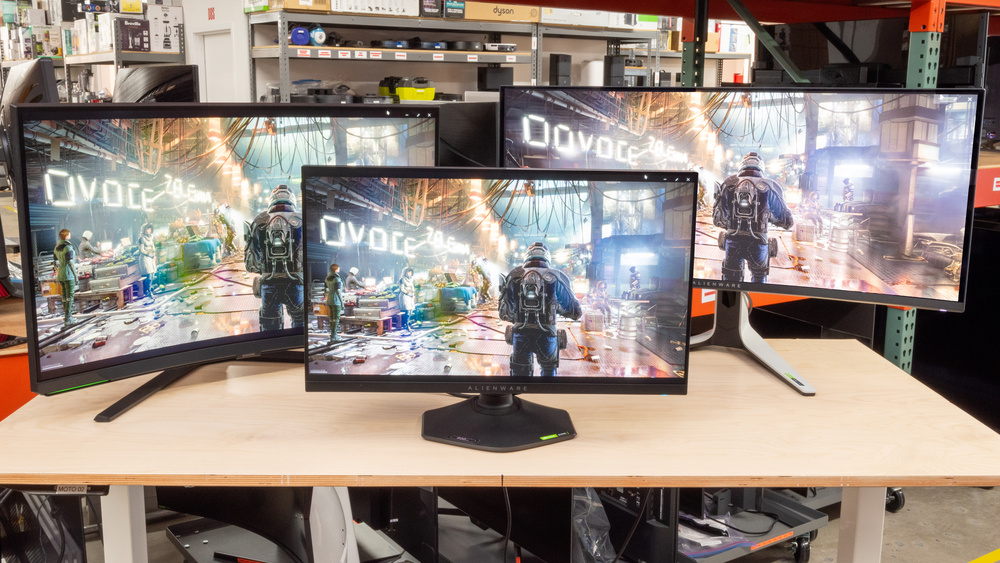
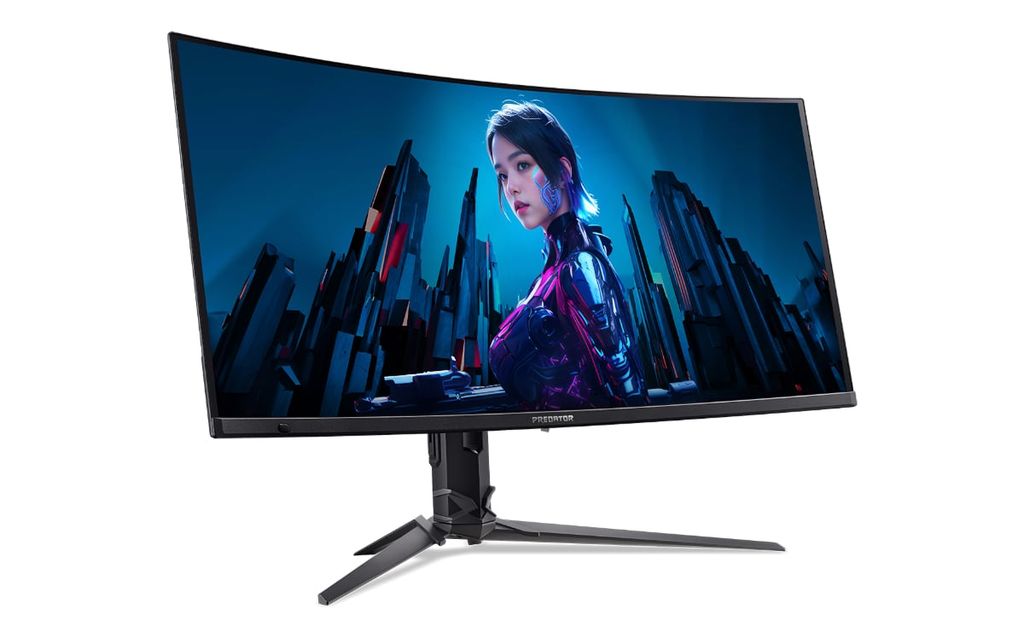
Curved monitors definitely have their place, especially when discussing how big a gaming monitor should be for maximum immersion. For larger monitors, typically 27 inches and above, a curve can significantly enhance the gaming experience. The curvature helps to wrap the image around your peripheral vision, making you feel more "inside" the game world. This is particularly effective for ultrawide monitors (e.g., 34-inch or 49-inch), where the extra width would otherwise require more head turning. The curve aims to keep all parts of the screen equidistant from your eyes, reducing distortion at the edges that can sometimes occur on large flat panels. While less critical for smaller monitors (under 27 inches), for simulation games, open-world adventures, or cinematic titles, a curved monitor can truly deepen the sense of presence and make your gaming sessions feel more captivating.
How Do Budget and Desk Space Impact Monitor Size Decisions?
Budget and desk space are often the most practical constraints when deciding how big a gaming monitor should be. Larger monitors, especially those with high resolutions (1440p, 4K) and high refresh rates, naturally come with a higher price tag. A premium 32-inch 4K 144Hz monitor will cost significantly more than a 24-inch 1080p 144Hz model. Gamers on a budget might find more value in a smaller screen with better performance specs (refresh rate, response time) than a huge screen with compromises. Similarly, your physical desk space dictates how large a monitor you can realistically accommodate. Before buying, measure your desk's width and depth. Remember to account for the monitor stand's footprint or consider a VESA mount if space is tight. Don't forget viewing distance, as a large monitor on a shallow desk leads to discomfort. A well-sized monitor that fits your space comfortably will always provide a better experience than an oversized one that creates clutter or ergonomic issues.
What About Multi-Monitor Setups and Their Impact on Size?
Multi-monitor setups are a popular choice for gamers who multitask, stream, or want an expanded field of view across multiple displays. When considering how big should a gaming monitor be for such a setup, consistency is key. Using two or three monitors of the same size and resolution is generally recommended for a seamless experience. For a dual-monitor setup, two 24-inch or 27-inch monitors are very common, offering plenty of screen real estate without being overwhelming. If you plan to game across multiple screens, ensure your graphics card can handle the combined resolution and maintain adequate frame rates. Ultrawide monitors (like a 34-inch 21:9) can sometimes replace a dual-monitor setup for gaming, offering a continuous, immersive experience, though they might be less flexible for certain productivity tasks. Weigh your primary use case – gaming immersion versus productivity/streaming – when planning a multi-monitor array.
Should I Consider Future-Proofing My Monitor Size?
Future-proofing your gaming monitor size is a smart move, but it's important to be realistic about what that entails. As games become more graphically demanding, and new technologies like AI upscaling improve, resolutions like 1440p and 4K are becoming increasingly standard. If your budget allows, investing in a 27-inch 1440p monitor or even a 32-inch 4K display will likely serve you well for many years to come, especially if paired with a capable GPU. However, "future-proof" doesn't mean buying the absolute biggest or highest resolution possible if your current hardware or budget can't support it. Instead, focus on a monitor that offers a good balance of size, resolution, and refresh rate that your current (or next planned) PC build can handle. Consider what games are trending this month and what the next generation of consoles and PC titles might demand. A monitor that's comfortable and performs well now is often a better investment than one that's "overkill" and underutilized for years.
Ultimately, the question of "how big should a gaming monitor be" boils down to a personal balance of factors: your unique gaming style, the space you have, and your budget. From the focused precision of a 24-inch screen for competitive esports to the vast immersion of a 32-inch 4K curved display for epic adventures, the perfect monitor is out there. Remember to prioritize resolution for clarity, viewing distance for comfort, and refresh rate for smoothness, rather than just chasing the largest number. By thoughtfully considering these elements, you can select a monitor that not only enhances your gaming performance but also fits seamlessly into your busy life, providing that much-needed escape and fun. Your gaming setup is a personal sanctuary; make sure its centerpiece truly elevates every moment you spend in your virtual worlds.
What's your biggest gaming challenge, or your favorite monitor setup? Comment below!
What is the most popular gaming monitor size in 2026?
The 27-inch monitor remains incredibly popular in 2026, particularly at 1440p resolution. It strikes an excellent balance between immersive screen real estate and sharp image quality, suitable for a wide range of games and setups.
Is a 32-inch monitor too big for 1440p resolution?
Yes, for many, a 32-inch monitor at 1440p resolution starts to show individual pixels more noticeably. While usable, 4K (2160p) is generally recommended for 32 inches to maintain optimal visual clarity and pixel density.
Do professional gamers use large monitors?
No, professional esports gamers almost exclusively use 24-inch monitors. Their focus is on seeing the entire screen at a glance for competitive advantage, prioritizing refresh rate and response time over sheer size.
How far should I sit from a 27-inch gaming monitor?
For a 27-inch gaming monitor, an ideal viewing distance is typically between 2.5 to 3.5 feet (75 to 105 cm). This distance allows for comfortable viewing without excessive eye movement or strain.
Are ultrawide monitors worth it for gaming?
Ultrawide monitors are definitely worth it for immersive single-player games, simulations, and productivity. They offer a panoramic view, enhancing immersion without bezels. However, they might not be ideal for all competitive games or those that don't support ultrawide aspect ratios.
Optimal monitor size depends on viewing distance, resolution, game genres, and desk space. Balance immersion with clarity and performance. Consider 24-27 inches for 1080p-1440p, 32 inches for 4K. Curved monitors enhance immersion for larger sizes. Budget and multi-monitor setups are crucial factors. Prioritize refresh rate and response time over sheer size for competitive play. Remember, bigger isn't always better for every gamer or every game.
35


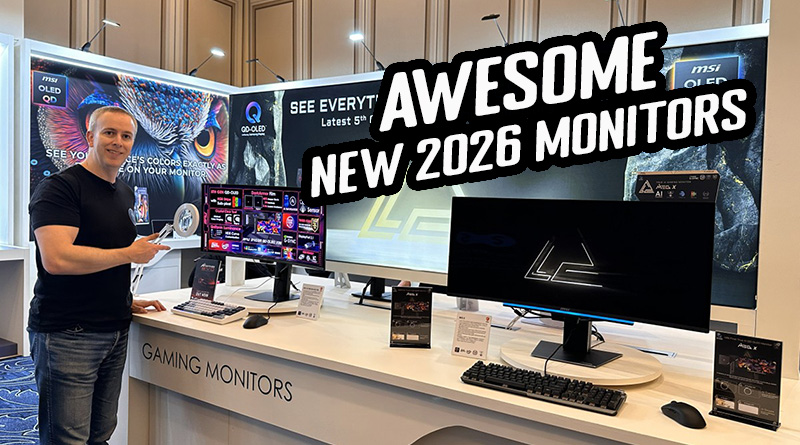
Asus Debuts 24 Inch 610 Hz Full HD Gaming Monitor With A Super TN Panel . Samsung Launches World S First 6K 1040Hz Gaming Monitors 2026 Sammy Odyssey 2026 Gaming Monitors . Xiaomi G24i 2026 G27i 2026 Gaming Monitors Launched Globally Xiaomi Xiaomi Gaming Monitor G24i 2026 G27i 2026 Q2XM0.webp. Round Up All The Latest Awesome 2026 Monitors From MSI At CES 2026 Msi Ces 2026 Website Featured . BEST Gaming Monitor In 2026 Here S What You SHOULD Buy At Every





Top 10 Best Gaming Monitor 2026 Reviews And Buying Guide Featured Top 10 Best Gaming Monitor 2026 Reviews And Buying.webp. Acer Debuted 3 New Gaming Monitors At CES 2026 Should You Upgrade Acer Debuted 3 New Gaming Monitors At Ces 2026 Should You Up Setn.1248 . LG UltraGear Evo Gaming Monitor Lineup Announced Ahead Of CES 2026 27 . CES 2026 ASUS ROG Announces Next Gen RGB OLED Tech PC Perspective 2 Rog Rgb Oled Monitor Ces26 One Pager 2048x1152 . GIGABYTE Unveils Next Gen OLED Gaming Monitors At CES 2026 Gigabyte Next Gen Oled Gaming Monitors Ces 2026 1
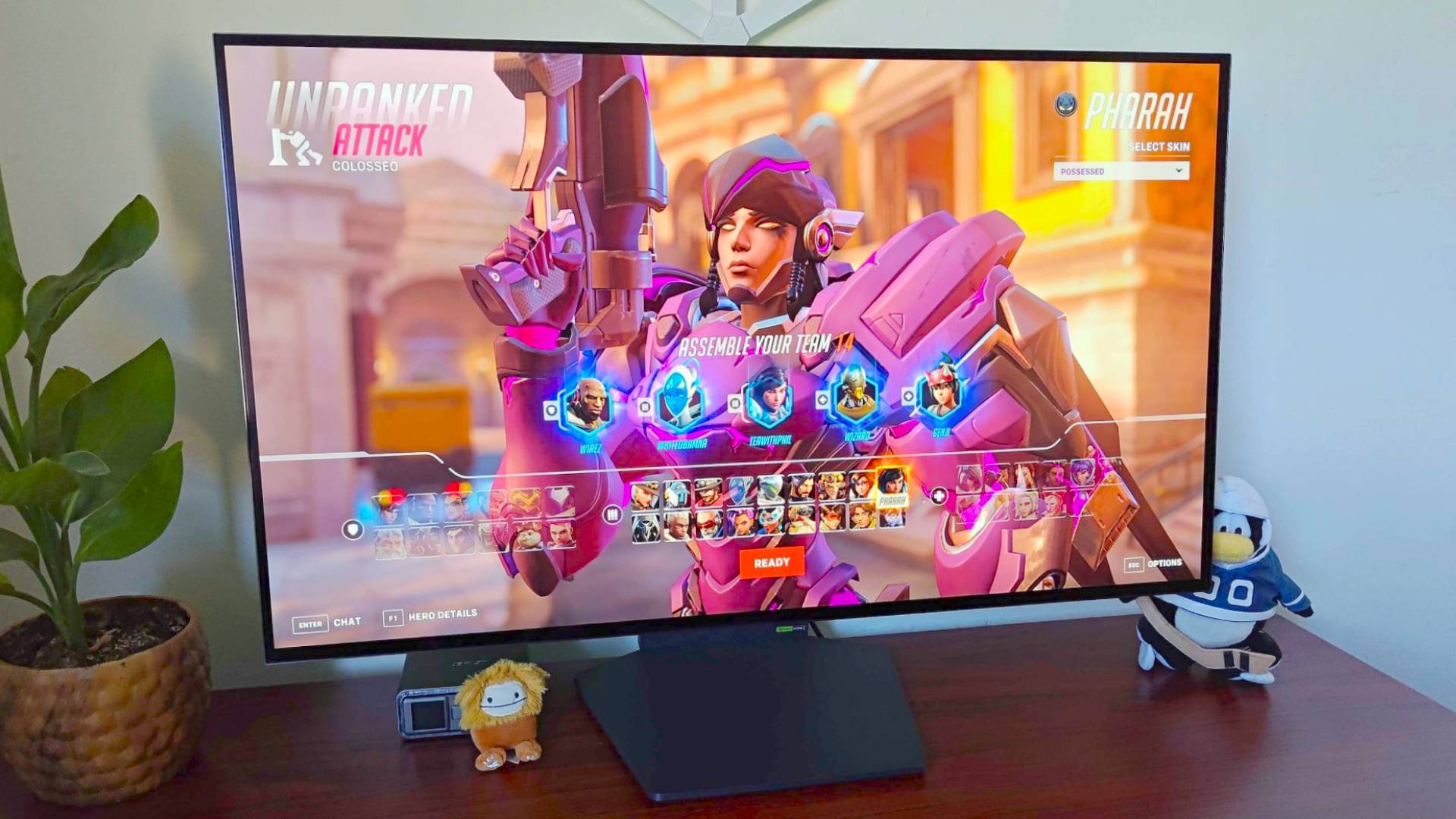

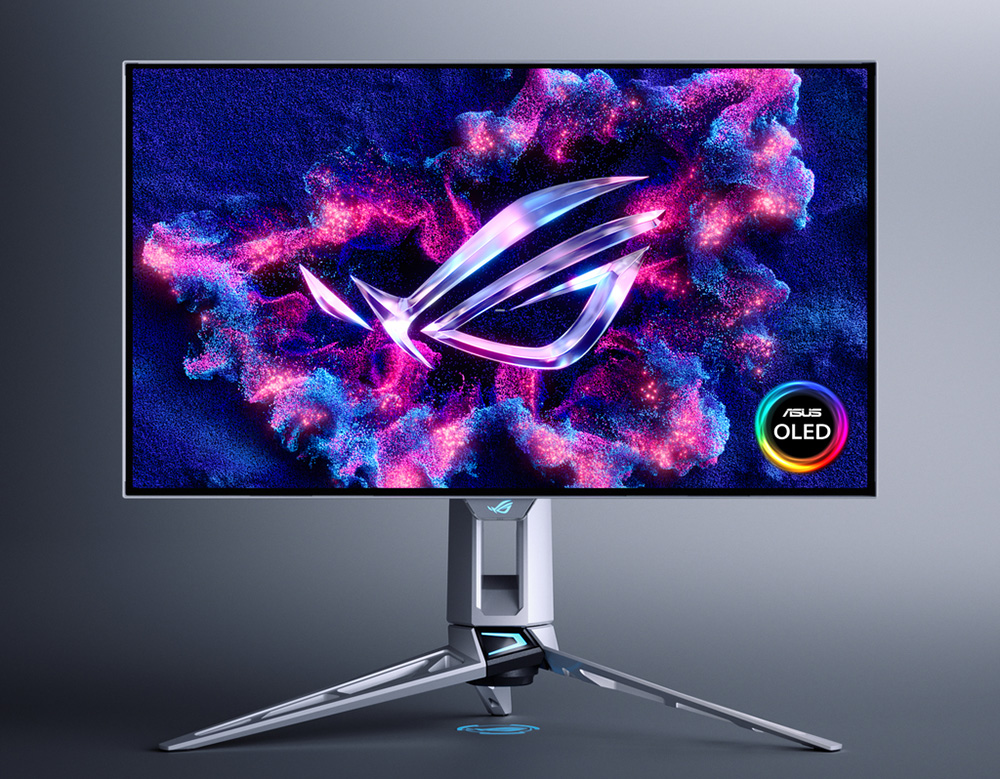
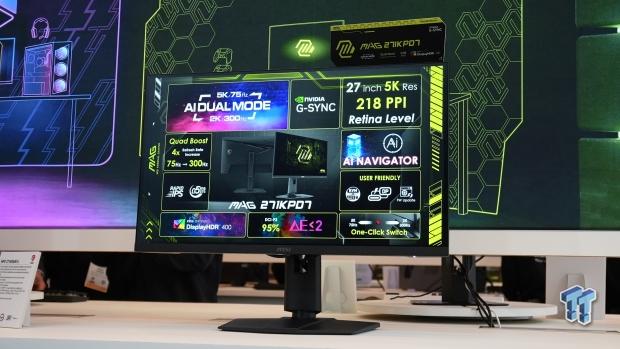

The Best Budget Gaming Monitors 2026 GamesRadar . Gaming Monitor Guide 2026 Everything You Need To Know London Daily News Gaming Monitor Guide 2026 Everything You Need To Know11. The Best Recommended Gaming Monitors 2026 TFTCentral ROG Swift OLED PG27AQWP Bottom . MSI Unveils World S First Mini LED Gaming Monitor At CES 2026 109565 9962 Msi Unveils Worlds First 5k Gaming Monitor . Best Gaming Monitor 2026 Top Picks For 1080p 1440p And 4K Best Gaming Monitor 2026
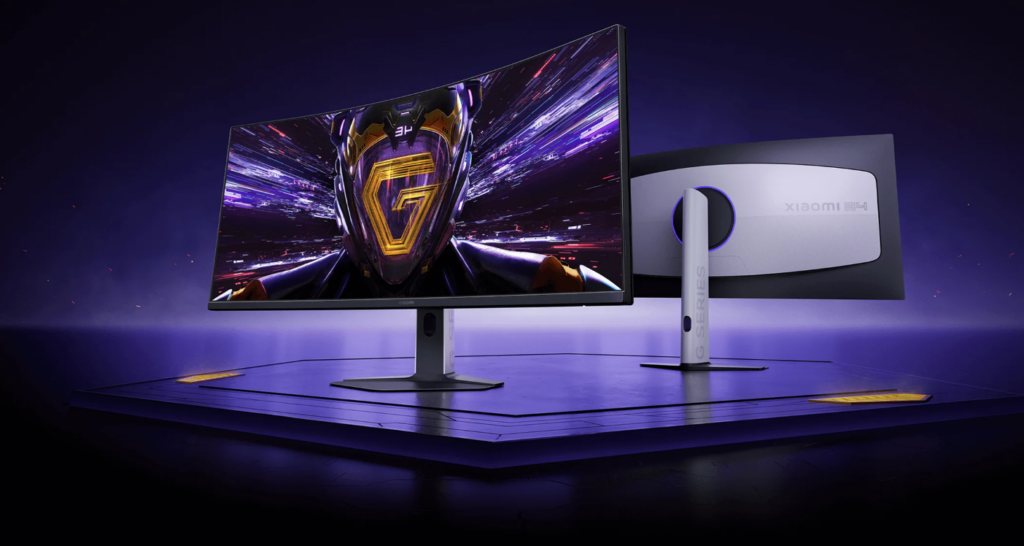
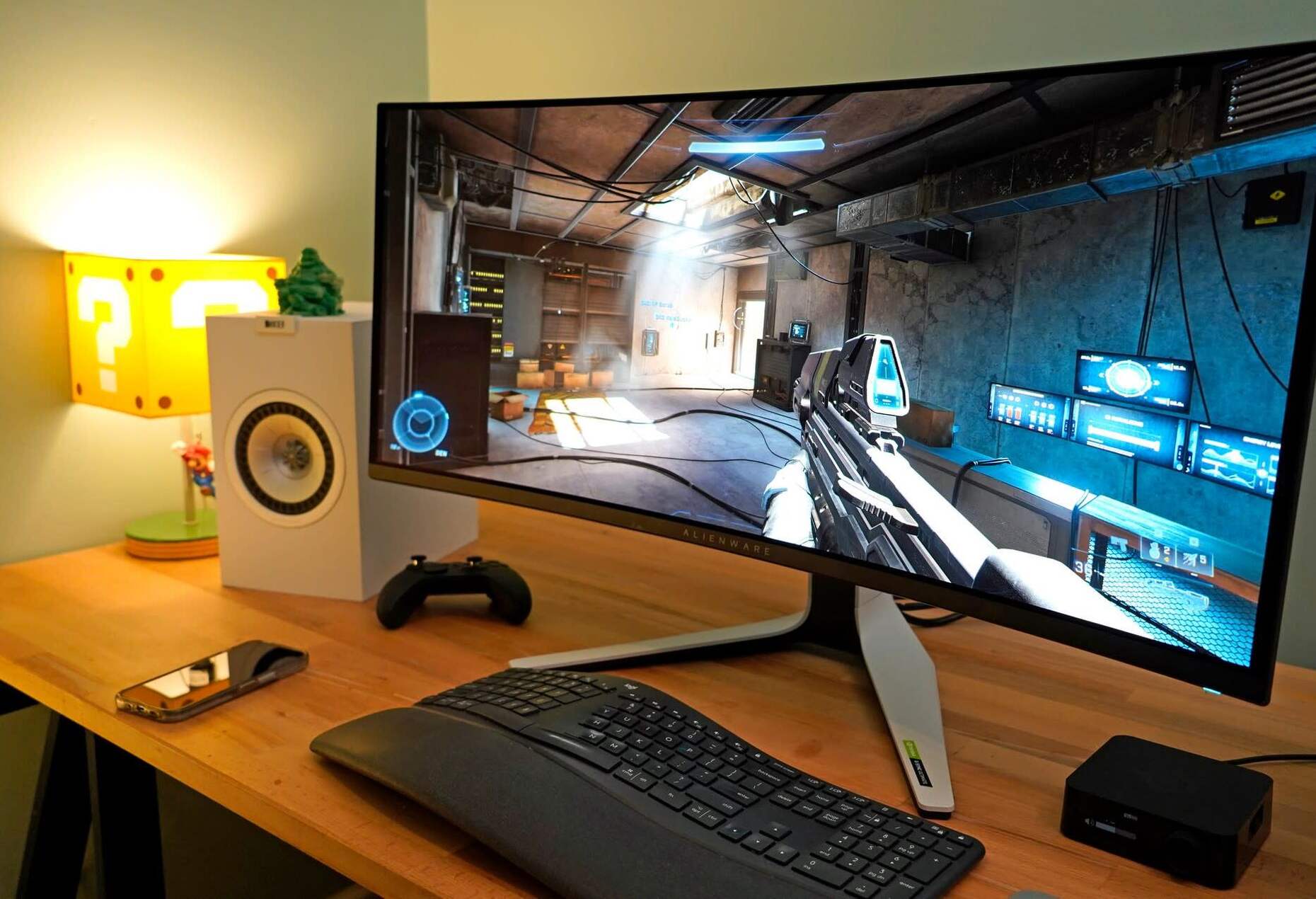


Xiaomi G34WQi 2026 Curved Gaming Monitor Unveiled Globally With 180Hz Screenshot 2025 11 19 093304 1024x546 . How Big Should A Gaming Monitor Be Robots Net How Big Should A Gaming Monitor Be 1701875314 . Best Gaming Monitor 2026 Which Should You Buy YouTube . Best 480Hz Monitor Guide 2026 Eye Wateringly Fast Gaming Displays Best Pulsar Gaming Monitors . The Best Monitor Size For Gaming In 2024 Popular Science Best Gaming Monitor Sizes

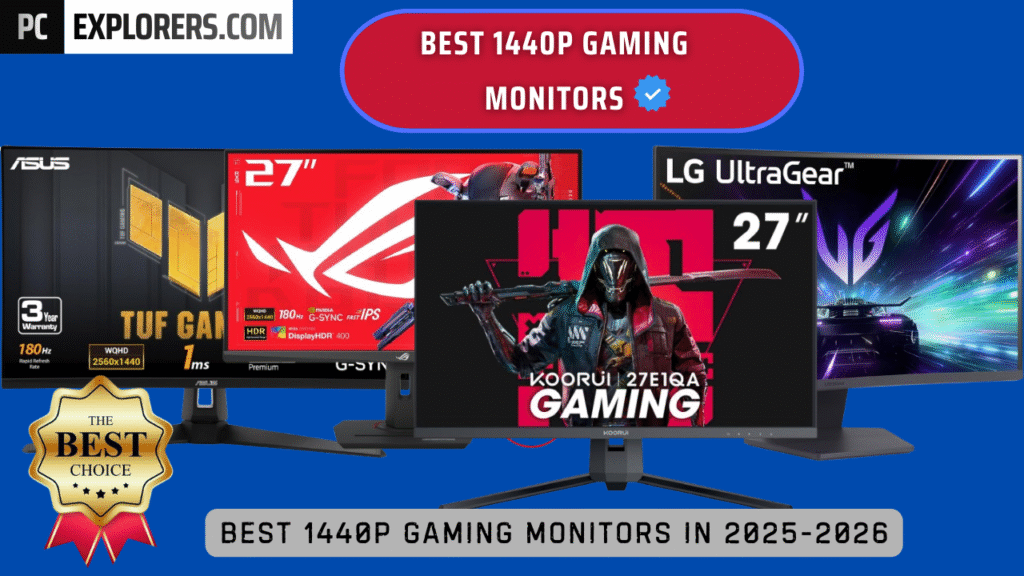

ASUS PG27AQN Review 2026 Best Esports Gaming Monitor Best 27 Inch Monitors . BEST 1440P GAMING MONITORS IN 2025 2026 PC Explorers Best 1440p Gaming Monitors For Gaming In 2025 2026 1024x576 . Best Gaming Monitors 2026 The Only 10 You Should Consider Today YouTube . The Best OLED Gaming Monitors To Buy In 2026 TFTCentral Best Oled Gaming Monitors Thumbnail 2026 768x432 . Best Gaming Monitors For 2026 Reviews And Bharat Erberbr


Best Gaming Monitors For 2026 Top Picks For PS5 Esports More Best Gaming Monitor 768x512 . What Is The Best Monitor Size For Gaming 2026 Guide New Monitors 768x432 . Samsung 2026 Odyssey Gaming Monitor Lineup Best Of High End Samsung 2026 Odyssey Gaming Monitor Lineup 4 . What Is The Best Monitor Size For Gaming 2026 Guide Best HDR Monitors 1024x576 . Best Gaming Monitor 2026 Picks For 1080p 1440p And 4K Switchblade Best Gaming Monitor 2026.webp

LG Monitors Buying Guide 2026 UltraGear Vs UltraWide Vs UltraFine Vs OLED ASUS Monitors Explained Overview Main . The 5 Best Monitor Sizes For Gaming Of 2026 RTINGS Com Best Monitor Sizes For Gaming 20230807 Medium . 2026 4K Gaming Monitors GPU Balance And Best Settings 2 3 1 . Acer Presents 6K 5K 1000 Hz And QD OLED Monitors At CES 2026 Acer X34f 1 . Buy The Best Gaming Monitor 2026 Buy The Best Gaming Monitor 1