Dive into the exciting world of Roblox in virtual reality and discover how to play Roblox VR seamlessly. This comprehensive guide navigates through every step from hardware requirements and initial setup to optimizing your in-game experience ensuring smooth gameplay and maximum immersion. Learn about compatible VR headsets essential software installations and crucial PC specifications needed to run Roblox VR effectively. We cover common troubleshooting tips performance enhancement strategies and recommendations for the best Roblox VR games that offer truly unique virtual experiences. Whether you are a seasoned gamer looking to explore new dimensions or a casual player curious about VR this resource provides all the navigational and informational details you need to embark on your Roblox VR adventure. Get ready to transform your Roblox gameplay into an unforgettable virtual reality journey with practical advice and up-to-date insights for the modern gamer balancing life and leisure.
What exactly is Roblox VR and how does it work?
Roblox VR allows you to experience select Roblox games in a fully immersive virtual reality environment using a compatible VR headset. Instead of viewing the game on a flat screen, you are placed directly inside the 3D world, able to look around by moving your head and interact using VR controllers. It essentially transforms your desktop Roblox experience into a spatial one, making gameplay feel more immediate and engaging, letting you truly step into the digital playground.
Which VR headsets are officially supported for playing Roblox VR on PC?
Currently, Roblox officially supports PC-connected VR headsets that are compatible with SteamVR. This includes popular options like the Meta Quest series (Quest 2, Quest 3) via Quest Link or Air Link, Valve Index, HTC Vive, and certain Windows Mixed Reality headsets. While standalone VR experiences on Roblox are not natively supported, most PC VR setups that can run SteamVR should be able to get Roblox VR working with the correct setup.
How do I connect my Meta Quest 2 or 3 to my PC to play Roblox VR?
To connect your Meta Quest 2 or 3, you'll need the Oculus PC app and either a USB 3.0 cable for Quest Link or a strong 5GHz Wi-Fi connection for Air Link. First, install the Oculus PC app. For Link, plug in the cable. For Air Link, enable it in the Quest settings (Experimental Features) and then in the Oculus PC app. Once connected, your Quest will act as a PC VR headset, allowing you to access SteamVR and, consequently, Roblox VR.
What are the minimum PC specifications to run Roblox VR smoothly?
To avoid motion sickness and ensure a fluid experience, a powerful PC is crucial. You'll need at least an Intel i5-4590 or AMD Ryzen 5 1500X equivalent CPU, 8GB of RAM, and a VR-ready graphics card such as an NVIDIA GeForce GTX 1060 or AMD Radeon RX 480 or better. Modern GPUs like an RTX 3060 or RX 6600 XT will provide a much more comfortable and high-fidelity experience, especially for busy gamers who value performance without constant tinkering.
Are there specific Roblox games designed for the best VR experience, and how do I find them?
Yes, many Roblox creators have optimized their games for VR, providing better controls, UI, and comfort. Look for games tagged with "VR" in their description or title. Popular VR-friendly genres include horror (like "Doors"), simulators, and exploration games where immersion shines. Always check user reviews for VR comfort and functionality, and remember that game developers often update their VR support, so what works well today might be even better tomorrow.
What should I do if Roblox VR isn't detecting my headset or acting buggy?
First, ensure your VR headset's software (e.g., Oculus PC app, SteamVR) is fully updated and running. Verify your PC meets the minimum specs. Try restarting both your VR software and Roblox. Sometimes, disabling and re-enabling VR mode within Roblox's in-game settings or running Roblox in administrator mode can resolve detection issues. Check for any conflicting background applications, as these can sometimes interfere with VR functionality. A quick reboot of your entire system often works wonders.
How can I balance a great Roblox VR experience with my busy adult life and budget?
Balancing gaming with a busy life means prioritizing. For Roblox VR, start with the gear you might already have or look for budget-friendly options like an older Meta Quest 2. Focus on games that offer quick, engaging sessions for those limited free moments, or social experiences to connect with friends efficiently. Performance optimization is key to avoid frustration; a stable, smooth experience means less troubleshooting and more fun. Think of VR as an investment in quality escapism, choosing experiences that give you the most bang for your buck and time.
Ever feel like you need a real escape after a long day of work, juggling family, and just generally adulting? Youre not alone. Many US gamers, around 87% who regularly play 10+ hours a week, use gaming as that perfect blend of relaxation, social connection, and even a bit of skill-building. While mobile gaming continues its dominance, the allure of true immersion through virtual reality is growing fast. Imagine stepping right into your favorite Roblox experiences, not just watching them on a screen. Thats the magic of VR. But lets be honest, getting started with something new like virtual reality can feel like a whole new job, especially when youre already pressed for time and trying to make smart tech investments. You might be wondering, Is my current setup good enough? or How complex is this going to be?
This guide is crafted for busy gamers like you who appreciate value, performance, and clear, no-nonsense advice. Were going to cut through the hype and give you the practical steps on how to play Roblox VR, transforming your gaming sessions from 2D to truly immersive 3D. Well cover everything from hardware compatibility and setup to optimizing performance and finding the best VR experiences, all while keeping your budget and limited gaming time in mind. No complex jargon, just straightforward solutions to get you playing Roblox in VR without the headache. Lets dive in and elevate your Roblox adventures.
What Do I Need to Play Roblox VR? Hardware and Software
Diving into Roblox VR requires a few key components. First, you'll need a compatible VR headset that connects to a PC, such as a Meta Quest 2 or 3 (via Quest Link or Air Link), Valve Index, HTC Vive, or a Windows Mixed Reality headset. Second, a reasonably powerful gaming PC is essential. For 2026, we're talking about at least an Intel i5-4590 or AMD Ryzen 5 1500X equivalent CPU, 8GB of RAM, and a VR-ready graphics card like an NVIDIA GTX 1060 or AMD RX 480. However, for truly smooth gameplay that prevents motion sickness, a more modern GPU like an RTX 3060 or RX 6600 XT is highly recommended. Finally, you'll need the Roblox client installed on your PC, along with the appropriate software for your VR headset (e.g., Oculus PC app, SteamVR).
How Do I Set Up My VR Headset for Roblox? Step-by-Step
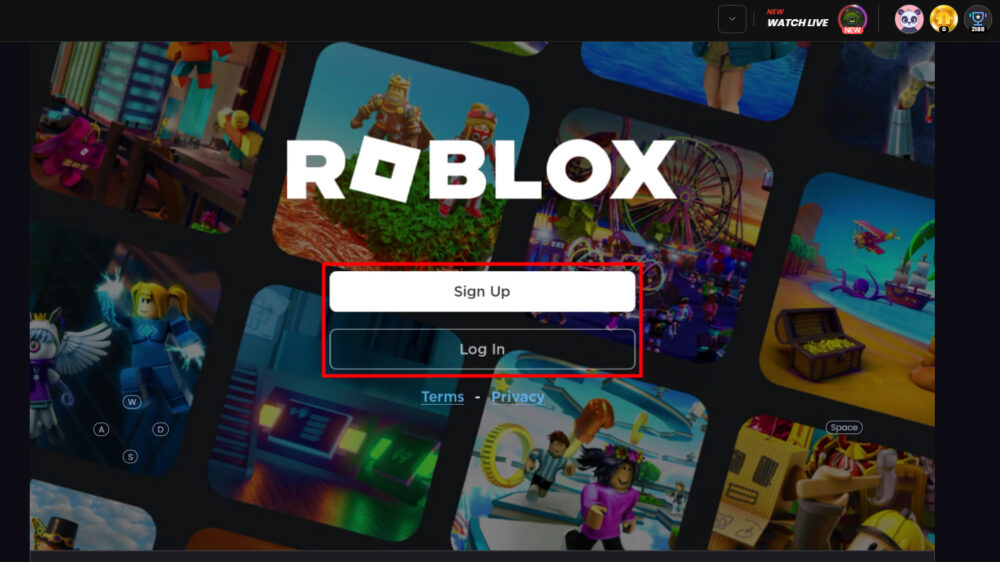
Setting up your VR headset to play Roblox VR is a straightforward process, though it varies slightly by headset. For Meta Quest users, first install the Oculus PC app. Then, connect your Quest to your PC using a USB 3.0 cable for Quest Link or enable Air Link wirelessly through your Quest's experimental features and the Oculus app. For other SteamVR-compatible headsets like Valve Index or HTC Vive, ensure SteamVR is installed and running. Once your headset is successfully connected and recognized by your PC and its respective software, simply launch the Roblox client on your computer. When you join a Roblox game that supports VR, the system should automatically detect your headset and prompt you to activate VR mode, usually with a click of a button in-game or via a setting. Always ensure your headset is powered on and properly calibrated before launching Roblox.
Which VR Headsets Are Compatible with Roblox? Comparison
Roblox VR primarily relies on SteamVR for compatibility, meaning most PC-tethered headsets that support SteamVR will work. The most popular choices among gamers for Roblox VR include:
- Meta Quest 2 and Quest 3: These are excellent choices due to their versatility. They can function as standalone headsets but also connect to a PC via Quest Link (wired) or Air Link (wireless) to play PC VR games like Roblox. Their accessibility and growing library of standalone titles make them a favorite.
- Valve Index: Known for its high fidelity, wide field of view, and excellent tracking, the Valve Index offers a premium VR experience for Roblox. It requires a dedicated PC VR setup with base stations.
- HTC Vive Series: HTC Vive and Vive Pro models are fully compatible with SteamVR and offer robust room-scale tracking, providing a highly immersive Roblox VR session.
- Windows Mixed Reality (WMR) Headsets: While often more budget-friendly, WMR headsets like the HP Reverb G2 can also play Roblox VR via SteamVR, offering a good balance of cost and performance for many gamers.
How Can I Optimize Performance for Smooth Roblox VR Gameplay? Tips and Tricks
Smooth performance is key to an enjoyable VR experience and to prevent motion sickness, especially for those balancing gaming with life's demands. Here’s how to optimize your Roblox VR:
- Meet Recommended PC Specs: Always aim for or exceed the recommended PC specifications, not just the minimum. A powerful GPU and CPU are your best friends here.
- Close Background Apps: Before launching Roblox VR, close any unnecessary programs running in the background. Discord, web browsers, and streaming apps can hog valuable CPU and GPU resources.
- Update Drivers: Keep your graphics drivers (NVIDIA, AMD) and VR headset software up to date. Manufacturers frequently release updates that improve performance and stability.
- Lower In-Game Graphics: If a Roblox game supports graphics settings, try reducing them slightly. Less detailed visuals can significantly boost frame rates without severely impacting the VR experience.
- Adjust VR Headset Settings: Within your VR headset's software (e.g., Oculus app, SteamVR), you might find settings for render resolution or refresh rate. Experiment with these; lowering render resolution slightly can often yield big performance gains.
- Ensure a Strong Wireless Connection (Air Link): If using wireless solutions like Quest Air Link, ensure your PC is connected to your router via Ethernet and your Quest is on a dedicated 5GHz Wi-Fi band with minimal interference.
What Are the Best Roblox Games to Play in VR? Recommendations
Not all Roblox games are created equal when it comes to VR. The best experiences are those built with VR in mind or updated to support it effectively. Here are some genres and examples to look for:
- Horror Games: Titles like
Roblox VR Headset Compatibility, Essential PC Specs for VR, Roblox VR Setup Guide, Optimizing VR Performance, Best Roblox VR Games, Troubleshooting Common Issues, Balancing Gaming and Life with VR
35#1 Gallery how to play roblox vr

Can You Play Roblox In VR Today The 2026 Update How To Play Roblox On A Vr Headset . Can You Play Roblox In VR Today The 2026 Update Roblox VR Main . Can You Play Roblox In VR Today The 2026 Update Roblox Vr Guide Oculus 2 . Can You Play Roblox In VR Today The 2026 Update . Can You Play Roblox In VR Today The 2026 Update How To Play Roblox On A Vr Headset 1696412933
#2 Gallery how to play roblox vr


Can You Play Roblox In VR Today The 2026 Update . Can You Play Roblox In VR Today The 2026 Update . Can You Play Roblox In VR Today The 2026 Update . How To Play Roblox VR With Your Phone Full Guide YouTube . Can You Play Roblox In VR Today The 2026 Update
#3 Gallery how to play roblox vr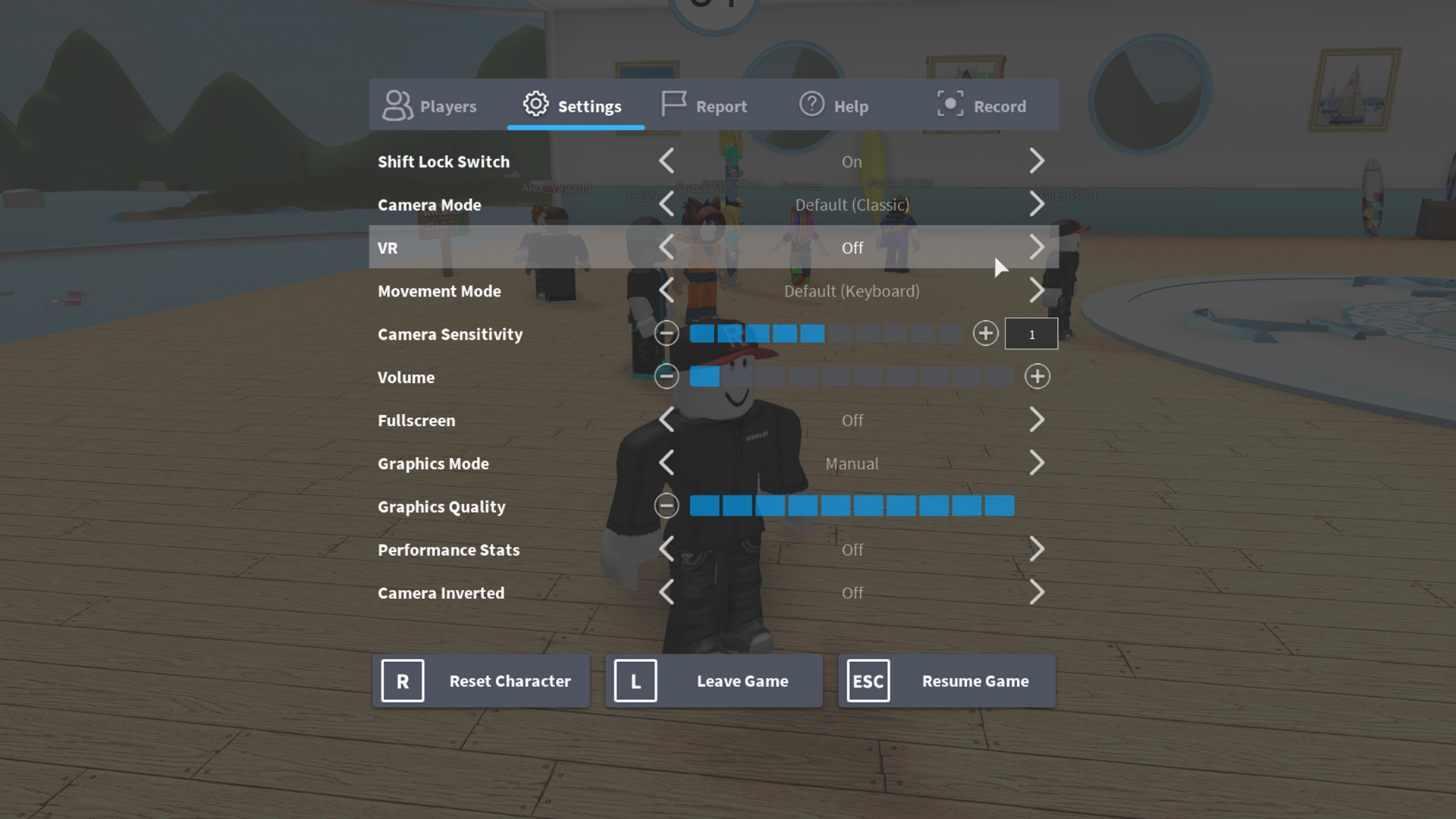


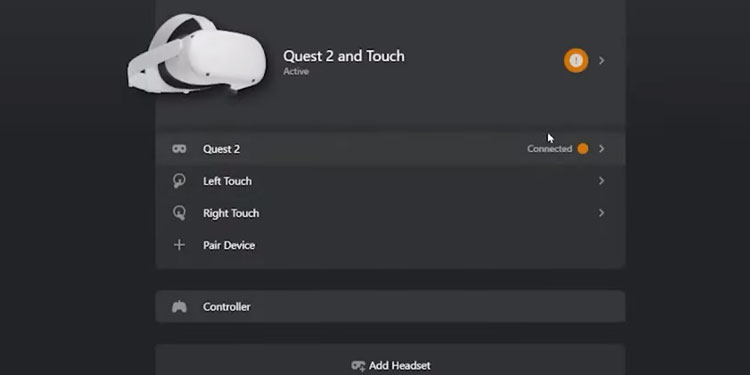
Setting Up VR For Roblox Roblox Support Vrtoggle . Can You Play Roblox In VR Today The 2026 Update . Can You Play Roblox In VR Today The 2026 Update . How To Play Roblox VR GameSpot 4560130 Roblox Vr Menu . How To Play Roblox VR Quest 2 And Touch Connected
#4 Gallery how to play roblox vr


2026 Roblox VR Guide Help Tips Setup. 2026 Roblox VR Guide Help Tips Setup. 15 Best Roblox VR Games For Meta Quest 3 In 2026 15 Best Roblox VR Games For Meta Quest 3 In 2026 A Complete Testing Setup Guide.webp. How Can You Play Roblox In 2026 And Beyond How To Play Roblox . Can You Play Roblox In VR Today The 2026 Update
#5 Gallery how to play roblox vr


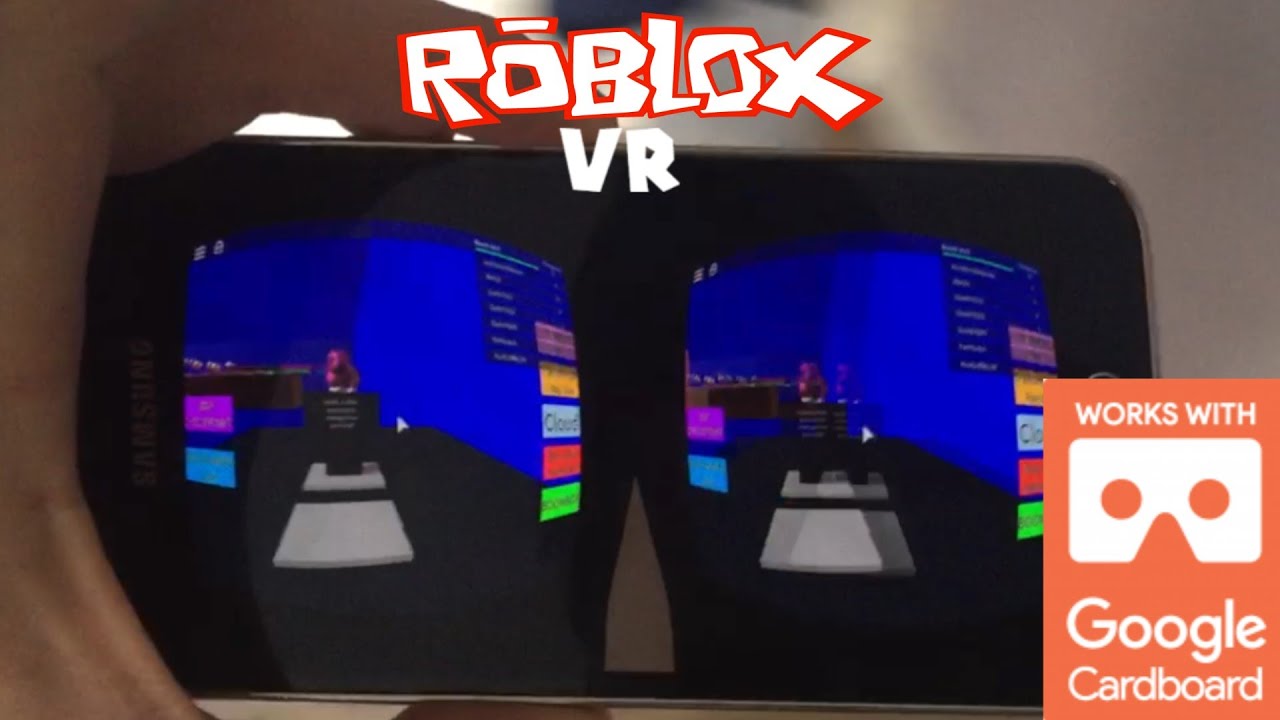
How To Play ROBLOX VR On Meta Quest 2 2026 Tutorial NO PC REQUIRED . 2026 Roblox VR Guide Help Tips Setup Roblox Vr Guide . Roblox 101 How To Play VR Games 7 . Can You Play Roblox In VR Today The 2026 Update Hqdefault . Can You Play Roblox In VR Today The 2026 Update
#6 Gallery how to play roblox vr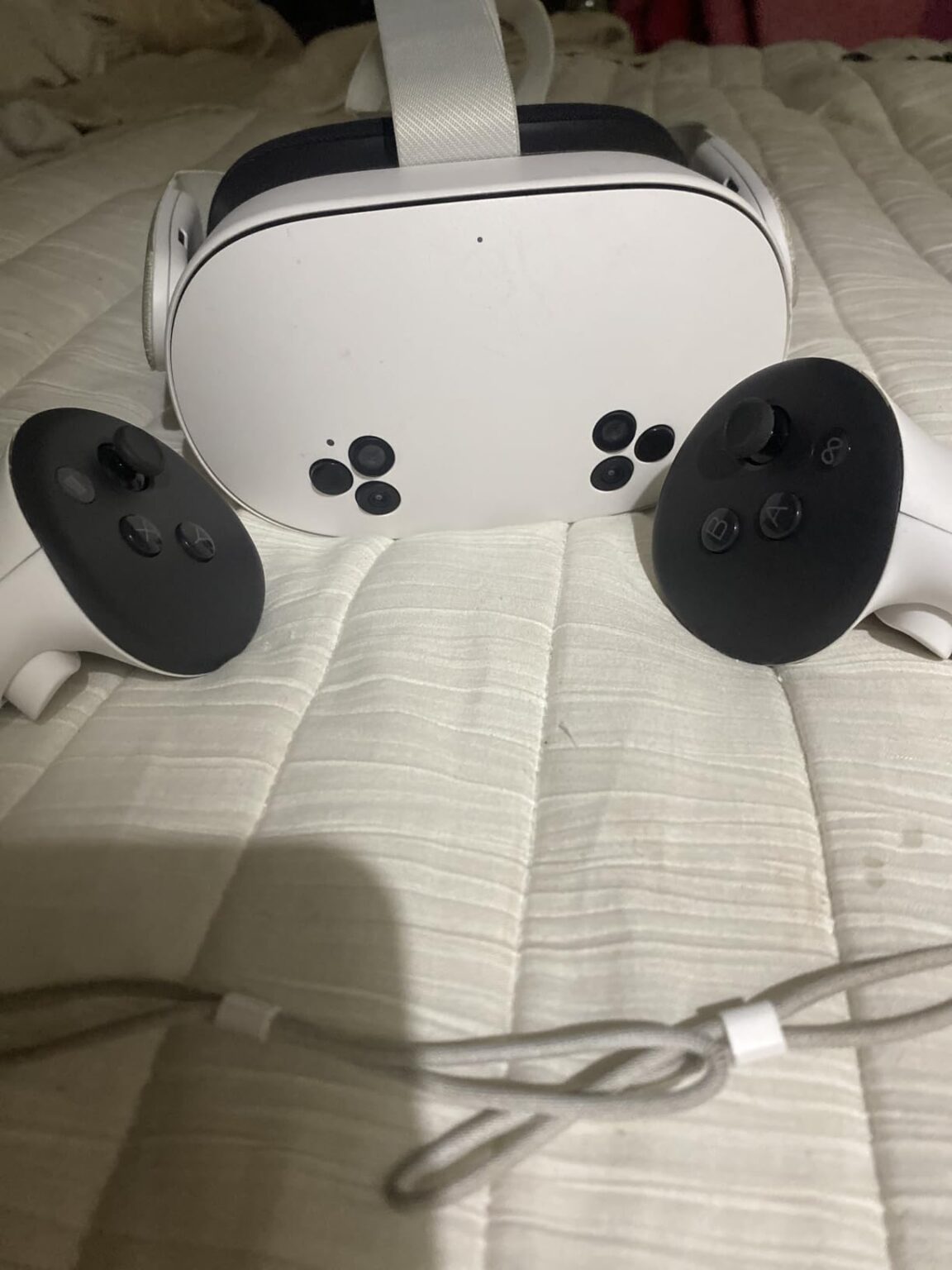

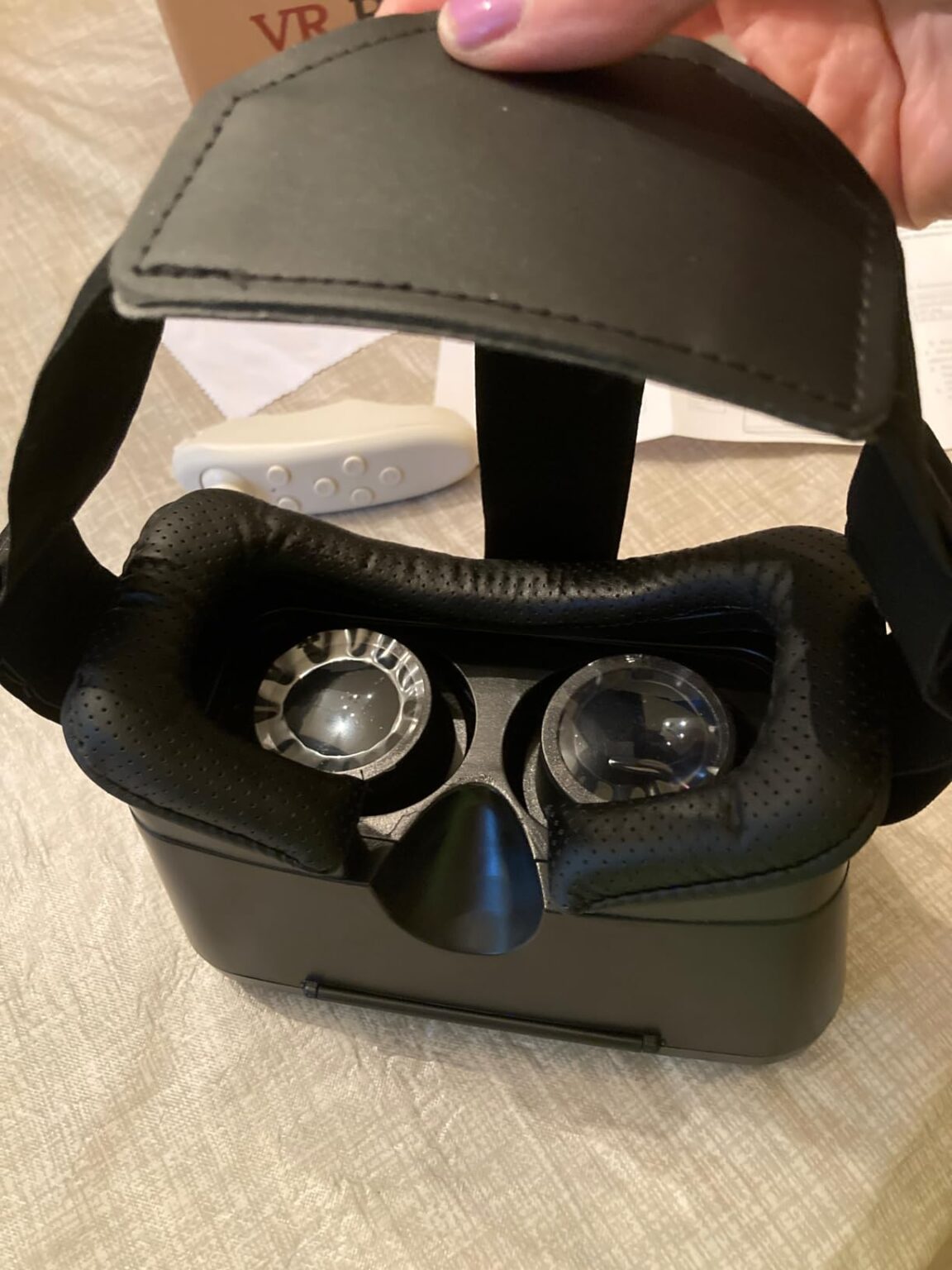
15 Best Roblox VR Games 2026 Immersive Experiences Tested B0F2GYMC8H Customer 1 1152x1536 . How To Play Roblox Online Free In 2026 Full Guide How To Play Roblox Online 1024x683 . 15 Best Roblox VR Games 2026 Immersive Experiences Tested B0F6LLVZSC Customer 4 1152x1536 . 15 Best Roblox VR Games 2026 Immersive Experiences Tested B0CFDL5Y7F Customer 1 768x1024 . 2026 Roblox VR Guide Help Tips Setup Elite Strap Ad 2
#7 Gallery how to play roblox vr
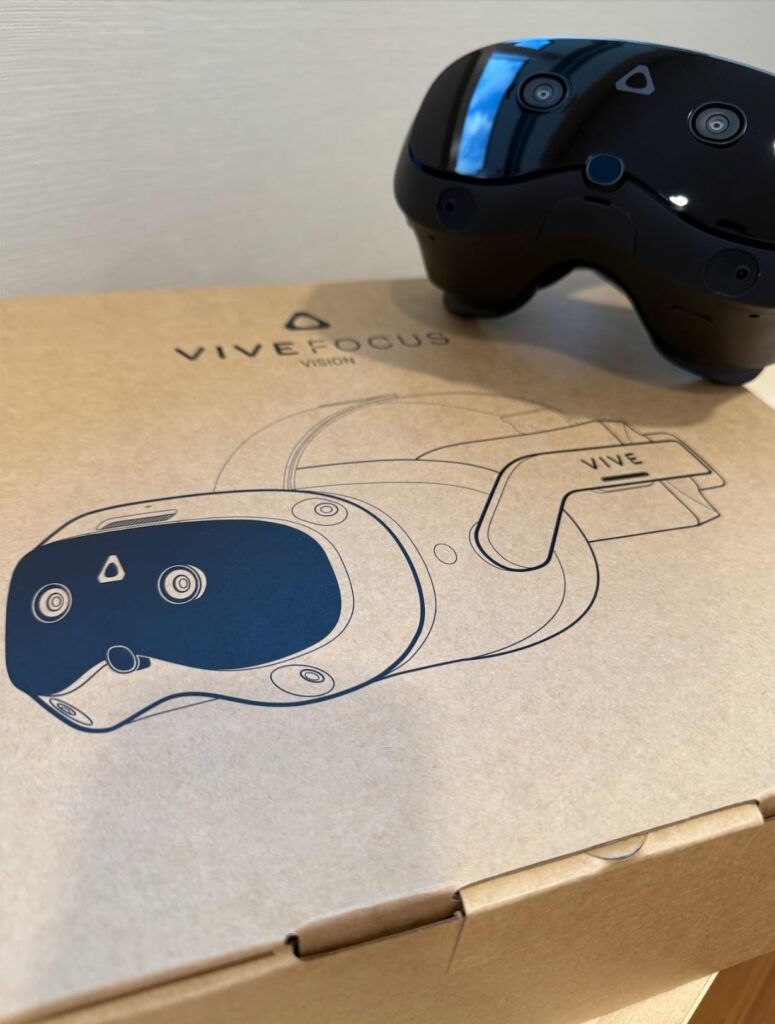
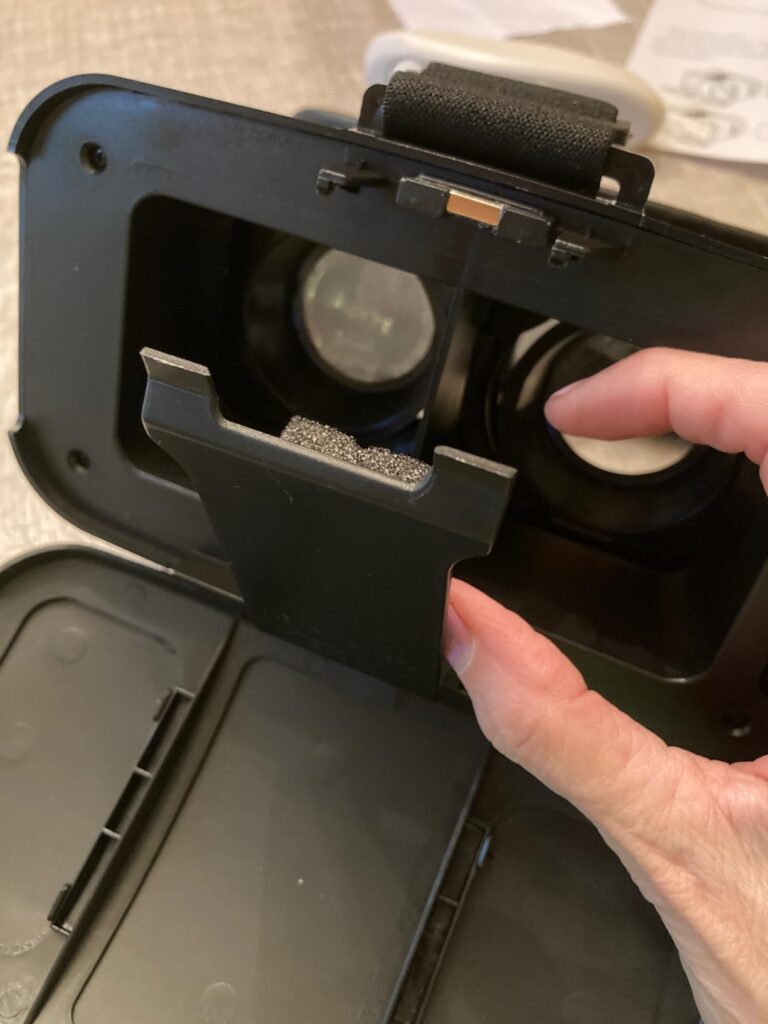
Can You Play Roblox In VR Today The 2026 Update Best Roblox Vr Games . 15 Best Roblox VR Games 2026 Immersive Experiences Tested B0F6LLVZSC Customer 2 768x1024 . Want To Play Roblox On TV In 2026 How To Connect How To Play Roblox On Now 3 1000w 562h . 15 Best Roblox VR Games 2026 Immersive Experiences Tested B0DDRLX7V4 Customer 1 775x1024 . 15 Best Roblox VR Games 2026 Immersive Experiences Tested B0F6LLVZSC Customer 3 768x1024